
Learning to type well is one of those skills that quietly affects everything else. Homework gets done faster. Emails take less time. Job applications look more polished. And for millions of students across the United States, the tool that makes this happen is typing.com.
If you have searched for typing lessons, a typing.com speed test, or a way to teach a whole classroom how to type, you have probably landed on typing.com already. This guide breaks down exactly what the platform offers, how to use every part of it, and how to actually get faster and more accurate at the keyboard. No fluff, no recycled marketing copy, just a clear and honest look at the tool millions of teachers and students rely on.
What Is Typing.com
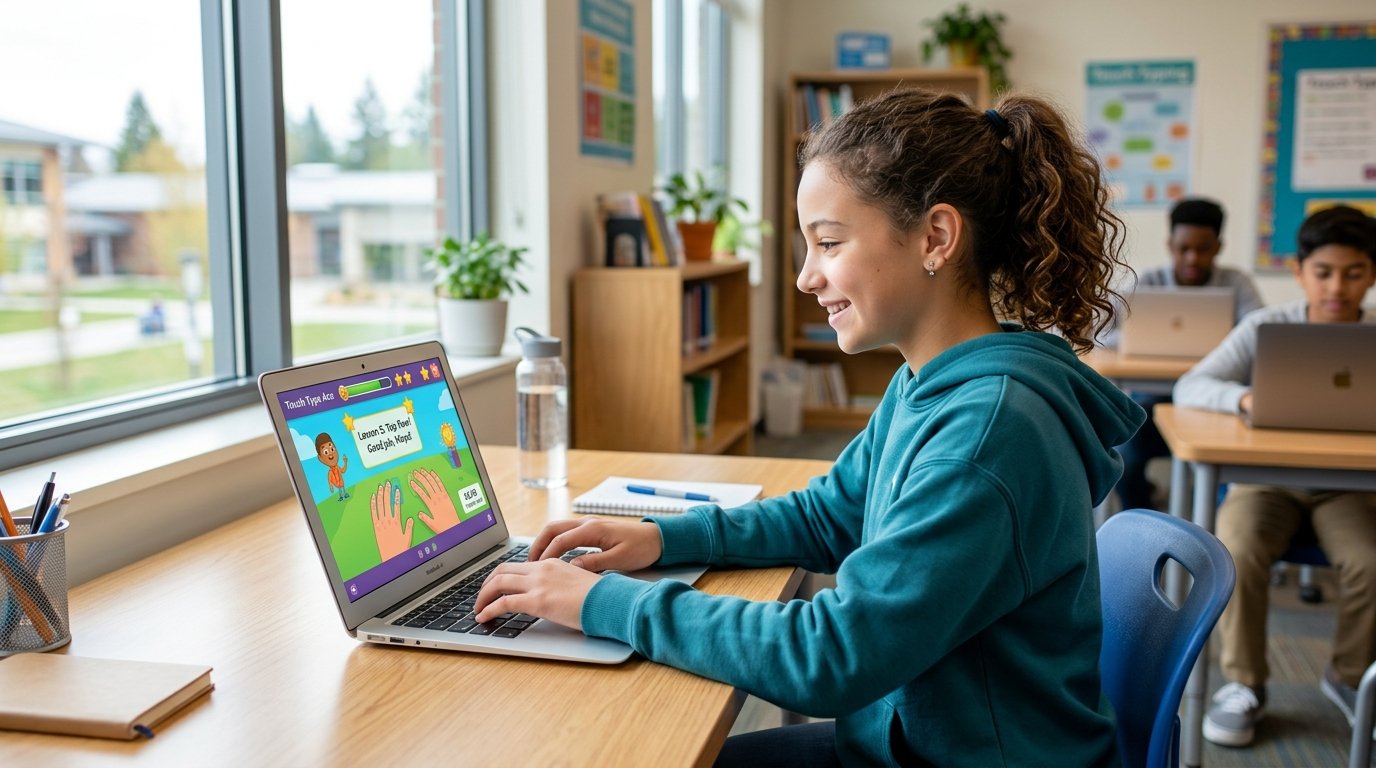
Typing.com is a free, browser-based typing tutor built for students in kindergarten through 12th grade, though homeschoolers and adults use it too. It is part of the Teaching.com family of education products, and it combines touch typing instruction with typing tests, typing games, and full classroom management tools for teachers.
The platform reports serving more than 38 million students and over 677,000 teachers, and it partners with Google for Education for easy classroom sign-in. It has also been adopted by several state education agencies for keyboarding and technology applications standards, including Texas.
What sets typing.com apart from a basic typing test website is the depth of the curriculum. It is not just a place to check your words per minute. It is a structured course that takes a learner from finding the home row keys all the way to typing full paragraphs without looking down.
Who Typing.com Is Actually For
Typing.com was built with classrooms in mind, but the free tier works for almost anyone.
Students. Kids as young as five can start with simple key-recognition games, while older students move into full lesson sequences and timed tests.
Teachers. Educators get a dashboard to create classes, assign lessons, and pull reports without paying a cent, which is rare for education software.
Homeschool families. Parents can set up a class of one or several children and track progress the same way a classroom teacher would.
Adults and job seekers. There is no dedicated adult track, but the typing lessons and typing test tools work perfectly well for anyone who wants to improve their keyboarding skills for work.
Typing.com Login and Account Setup
Getting into your account is straightforward once you know which door to use, since typing.com has separate login paths for different users.
Typing.com Student Login
Students sign in through the typing.com student portal using a class code from their teacher, a Google Classroom or Clever connection, or a username and password if they set up an independent account. No email address is required for younger students, which keeps the sign-up process simple for classrooms and protects student privacy.
Typing.com Teacher Login
Teachers use a separate instructor login page to reach the teacher dashboard. From there, an educator can build classes, assign specific lessons or tests, and monitor how each student is progressing in real time. The teacher account is also where you will find reporting tools, standards correlations, and options to sync with a school’s existing learning management system.
Typing.com Dashboard and Classroom Tools
Once logged in, both students and teachers land on a dashboard. For students, this shows lesson progress, badges, and typing speed history. For teachers, the dashboard is closer to a command center, showing every student’s completion rate, average WPM, and accuracy across assigned units.
The Typing.com Curriculum, Explained
This is the part most typing test websites skip entirely, and it is the biggest reason typing.com stands out. The curriculum is organized into several units that go well beyond basic keyboarding.
Keyboarding Lessons
The core typing course walks learners through touch typing step by step. Lessons start on the home row keys, then expand outward finger by finger until the entire keyboard is covered, including numbers, punctuation, and symbols. Each lesson mixes short drills with gamified feedback so learners are not just staring at a wall of text.
Cross-Curricular Typing
Instead of practicing on random sentences, students can type real, grade-level content pulled from subjects like science, math, and world languages. This reinforces typing speed while also reviewing classroom material, which is a smart use of practice time.
Digital Citizenship
This unit covers online safety, privacy, and responsible technology use, scaled from simple kindness lessons for young children to topics like misinformation and data ethics for older students.
Computer Applications
Students practice word processing, spreadsheets, and presentation skills inside simulated apps with automatic grading, which is useful since many state tests now expect basic software fluency.
Technology Foundations
These lessons cover practical computer skills such as logging in, saving files, and understanding cloud storage and networking basics.
AI Literacy
A newer addition, this unit teaches students how AI tools work and how to use them responsibly, in a guided format rather than an open chatbot.
Coding
Students progress from basic pattern and sequence logic to real code in HTML, CSS, and JavaScript.
Creative Writing and Test Prep
Open-ended writing prompts build both typing fluency and writing confidence, while the test prep unit combines typed responses with timed practice, since many standardized tests are now taken on a computer.
Typing.com Tests and How WPM Is Calculated
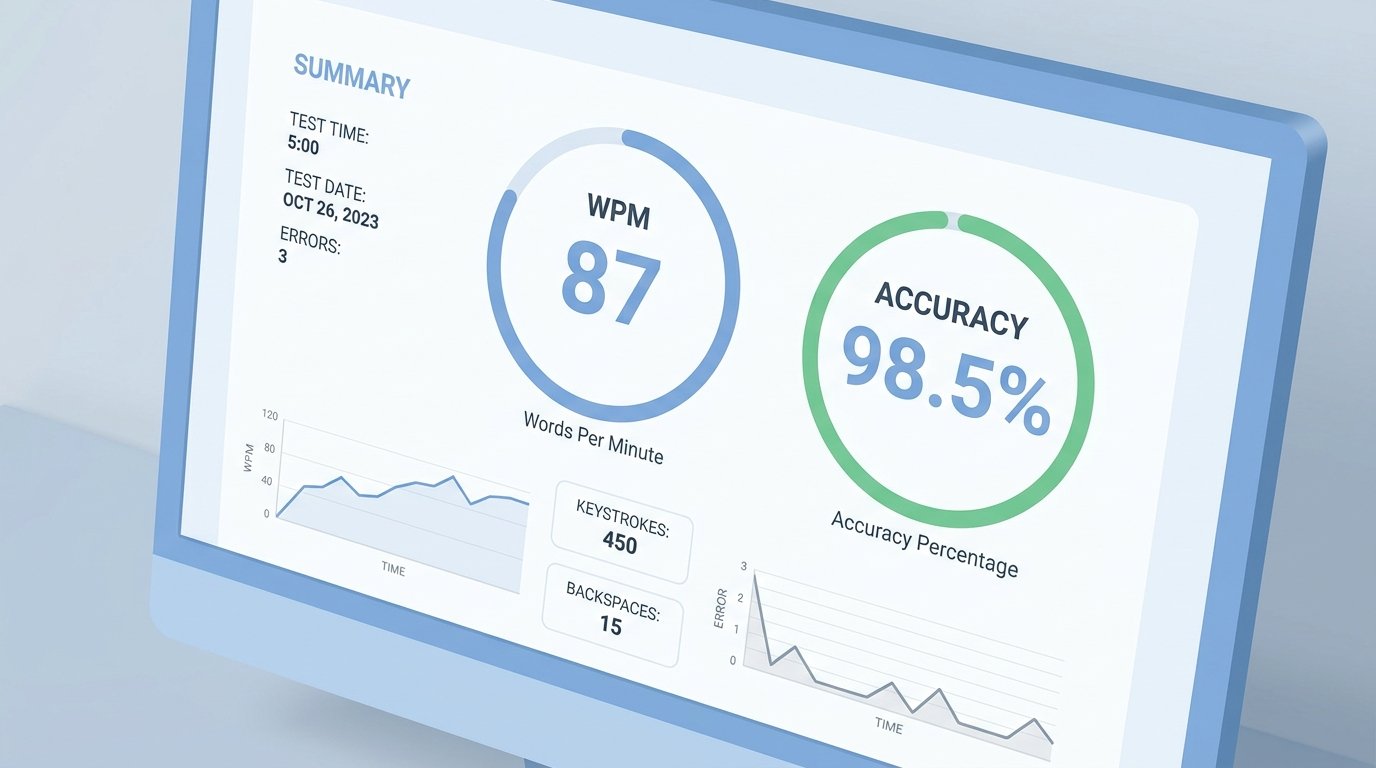
The typing test is one of the most searched features on the site, and for good reason. It gives a quick, objective measure of both speed and accuracy.
Words per minute, or WPM, is calculated by dividing the total number of characters typed by five, which is treated as the average length of one word, then dividing that number by the time elapsed in minutes. If you type 250 characters in one minute, your speed comes out to 50 WPM.
Typing.com’s tests also track accuracy, which matters just as much as raw speed. A learner typing 60 WPM with a 90 percent accuracy rate is making roughly six errors for every 60 words, which slows down real-world writing more than a lower but more accurate speed would.
What Counts as a Good Typing Speed
Based on widely reported typing benchmarks, here is a general breakdown for reference.
- Average typing speed for most adults: around 40 WPM
- Skilled touch typists: 60 to 80 WPM
- Professional typists and transcriptionists: 80 to 100+ WPM
- Fastest typing speed ever recorded: 216 WPM, set by Stella Pajunas in 1946 on an IBM electric typewriter
For school-age learners, speed naturally increases with age and practice. Middle schoolers often type in the 20 to 35 WPM range, high schoolers reach 30 to 50 WPM, and college students commonly land between 55 and 65 WPM.
Typing Games on Typing.com
Typing games are where the platform earns its reputation for keeping kids engaged. Instead of dry repetition, lessons are broken up with arcade-style games that reward accurate keystrokes with points, characters, or level progress. Younger students often start here before moving into structured lessons, since games lower the intimidation factor of a new skill.
Games are organized by difficulty and by which part of the keyboard they reinforce, so a game focused on the top row will feel different from one built around number keys or symbols. Teachers can also assign specific games as part of a lesson plan rather than leaving practice time unstructured.
Typing.com for Teachers and Schools
For educators, the value goes beyond having students practice typing. The platform offers full classroom management with unlimited students, classes, and teachers at no cost, which is unusual in the education technology space where most tools charge per seat.
Reports cover completion rates, average speed, and accuracy trends over time, which helps teachers spot students who might be struggling with specific finger placements or key combinations. Every lesson is also correlated to national and state education standards, so the work students do can be tied directly back to what a district needs to report.
Integration with Google Classroom and Clever makes rostering simple, since teachers do not have to manually create accounts for every student.
Free Plan vs Plus Edition
The free tier includes the full lesson library, typing tests, most games, and basic classroom tools, which is more generous than most competing typing programs. The paid Plus edition mainly removes ads and unlocks a few additional games and reporting features. For a family or an individual learner, the free version is genuinely enough to build real typing skills from scratch.
How to Actually Improve Your Typing Speed
Faster typing is a motor skill, not a knowledge problem, so improvement comes from consistent, focused practice rather than trying to memorize the keyboard layout.
- Get your hands in the right starting position. Place your fingers on the home row keys, with your index fingers resting lightly on the raised bumps found on the F and J keys.
- Practice without looking down. This feels slow at first, but it is the entire point of touch typing. Looking at your hands trains the wrong habit.
- Prioritize accuracy before speed. Typing fast with a shaky foundation creates a ceiling around 50 to 60 WPM that is hard to break through later.
- Practice in short, focused sessions. Fifteen to twenty minutes of concentrated practice most days builds muscle memory faster than one long session per week.
- Track your progress weekly, not daily. Testing your WPM after every single lesson can be discouraging and distracts from the actual goal, which is technique.
- Use real content when possible. Typing familiar words and sentences, like the cross-curricular content on typing.com, builds speed faster than random character strings.
Common Mistakes People Make When Learning to Type
Skipping finger placement basics. Jumping straight into speed tests without learning proper hand position locks in bad habits that are harder to fix later.
Chasing WPM too early. Speed without accuracy just means more time spent fixing mistakes, which cancels out any time saved.
Practicing inconsistently. A single hour-long session on the weekend is far less effective than fifteen minutes a day.
Ignoring number and symbol keys. Many learners get comfortable with letters and stop practicing, which leaves them slow on punctuation, numbers, and symbols that show up constantly in real writing.
Expecting instant results. Switching from hunt-and-peck typing to touch typing often feels slower at first. This is a normal part of building new hand-to-key connections, and speed typically catches up and surpasses the old method within a few weeks of steady practice.
Frequently Asked Questions
Final Thoughts
Typing.com has earned its reputation as the most widely used free typing platform in American classrooms, and the reasons are easy to see once you look past the surface. It is not just a typing test generator. It is a full keyboarding curriculum, a classroom management system, and a genuinely useful tool for anyone who wants to type faster without paying for it.
Whether you are a teacher setting up a class of thirty students, a parent homeschooling one child, or an adult brushing up on a skill you never formally learned, the path is the same. Start with proper hand position, practice a little every day, and let the tests track your progress instead of chasing an arbitrary number. Touch typing, as a technique, has been the foundation of fast and accurate keyboarding for well over a century, and platforms like typing.com have simply made that instruction accessible to everyone for free.
External source link (one, per your preference for Wikipedia/Medium):
Touch typing — https://en.wikipedia.org/wiki/Touch_typing (referenced conceptually in the closing paragraph)
Other sources used for facts and stats:
- typing.com homepage (student/teacher counts, curriculum units, partnerships)
- Ratatype average typing speed data (Stella Pajunas, Barbara Blackburn records)
- Ninjatyping typing speed statistics (WPM benchmarks by skill level)
- Typeuniverse average typing speed by age (school-age WPM ranges)